This article discusses functionality that is included in the Aha! Knowledge Advanced plan. Please contact us if you would like a live demo or want to try using it in your account.
Aha! Roadmaps | Knowledge base access
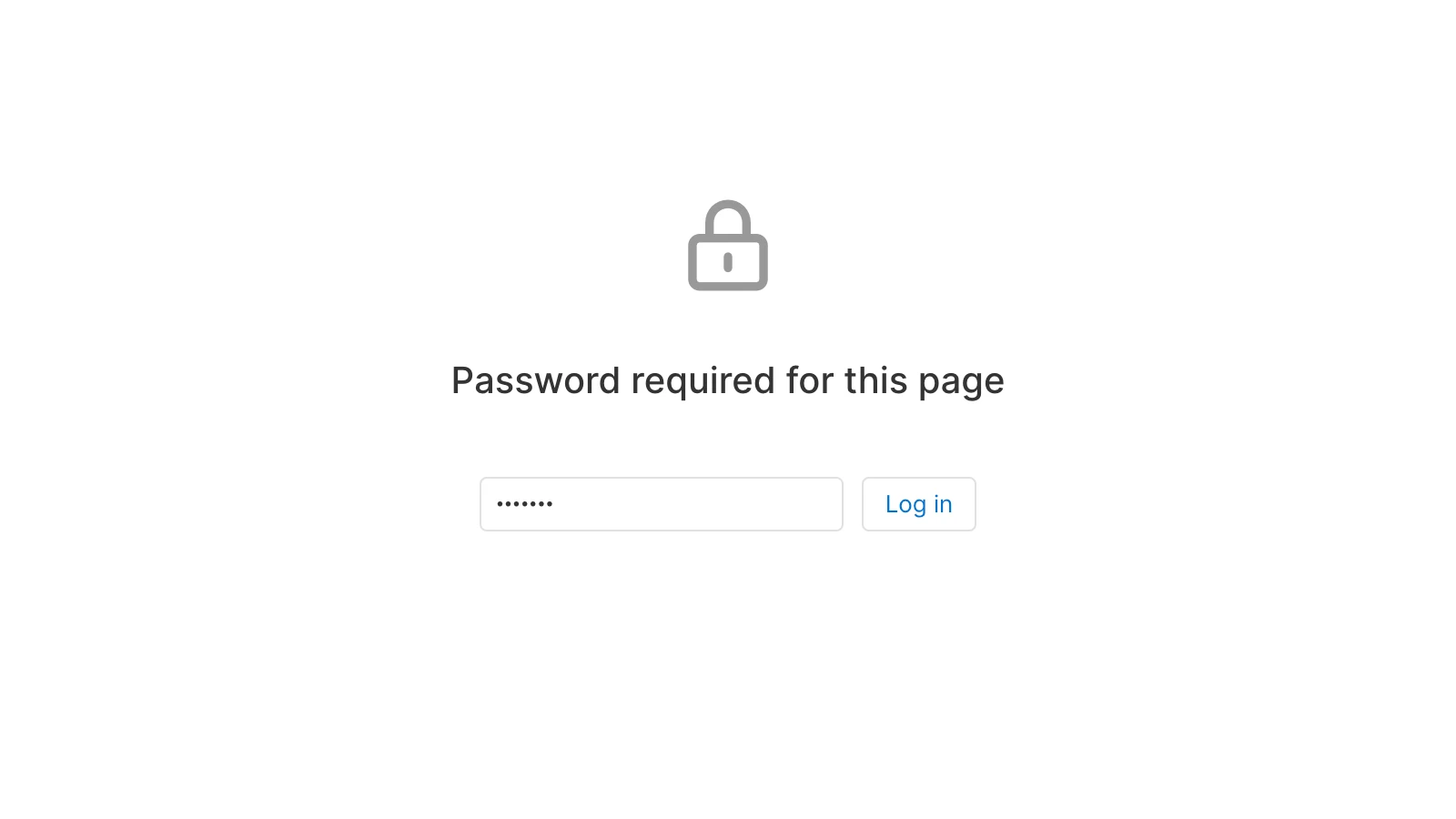
Your knowledge base is an important resource for the people who use your product — but that does not mean that everyone needs access to it. Configure authentication for your knowledge base to make it public or require a password.
Click any of the following links to skip ahead:
Configure authentication
Customization admins can configure authentication for a knowledge base from its settings.
Navigate to Settings ⚙️ Account Knowledge bases. Click the name of your knowledge base to access its Settings.
On the Overview tab, scroll down to the Authentication settings.
Choose an Authentication option (Public, Private, or SSO) from the dropdown.
If you choose Private, enter the password you want to use.
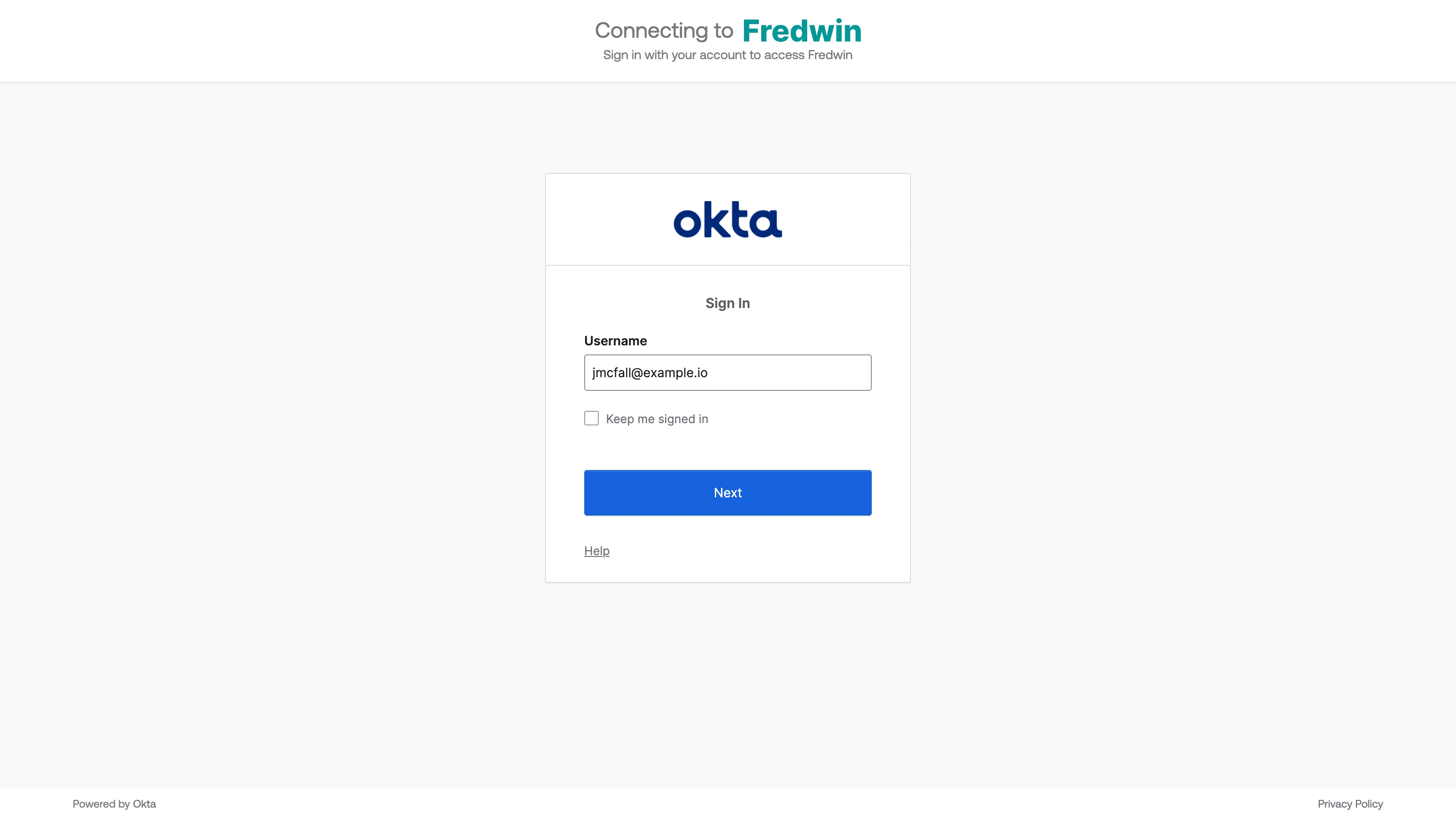
If you choose SSO, select an SSO configuration from the dropdown or set up a new one.